
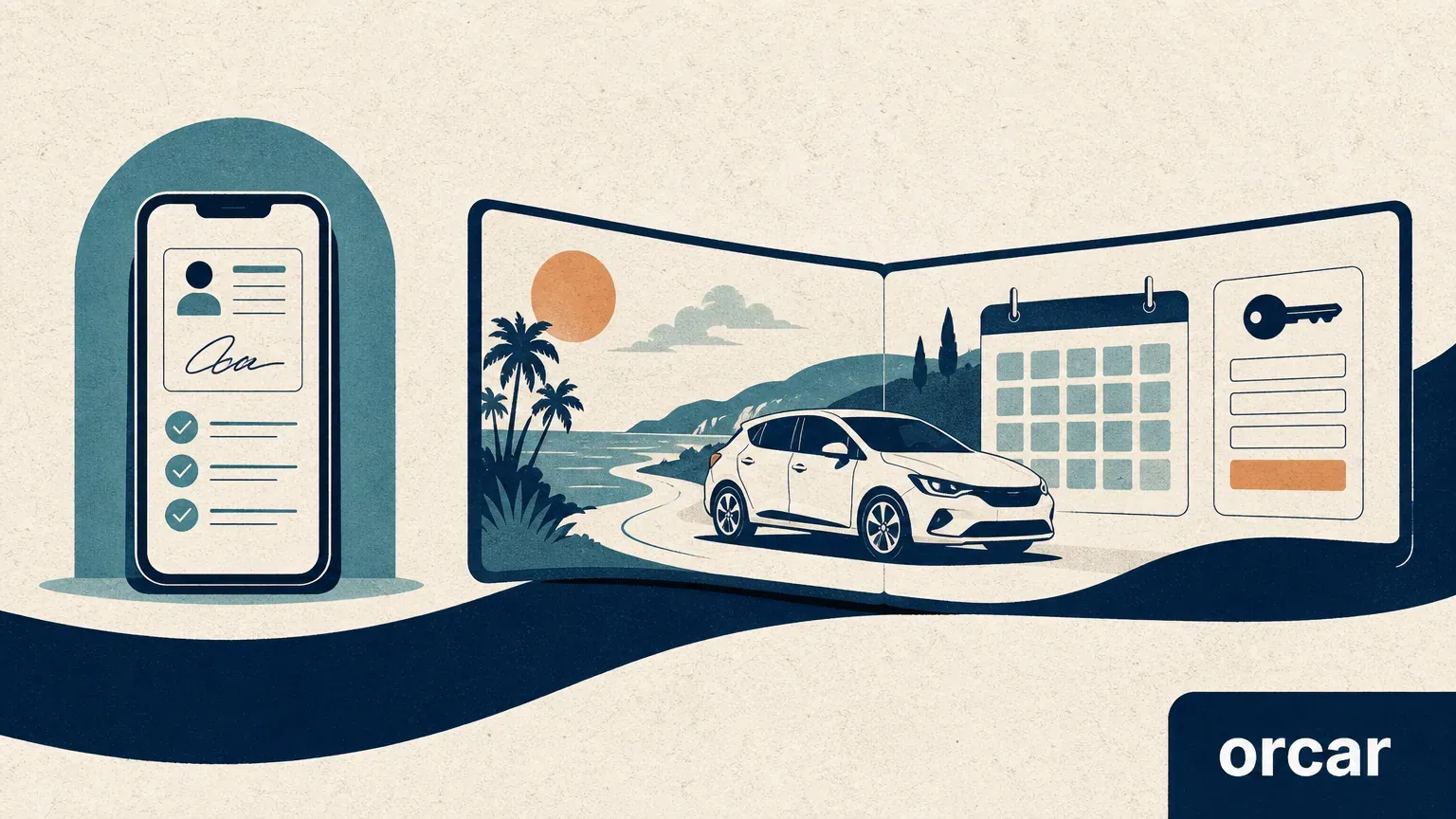
Car rental pre-check-in software prepares an existing reservation for arrival. A booking platform also helps a traveler find and book the rental. Those jobs can share a document-upload screen without being the same product.
For a rental operator, the useful question is not “Which app has more features?” It is “Where does the booking start, where must the submitted information arrive, and who handles the unfinished work?” Sure and orcar.ai illustrate this distinction within Orcar's product family. This is a scope comparison, not a claim that either product fits every fleet or that installing an app guarantees a counter-free pickup.
Start with the missing job, not the screen
If reservations already reach your rental business but staff still re-enter driver details at the counter, the gap is between booking and arrival. If the gap is helping international travelers choose a car, pay and understand the rental journey, pre-check-in alone does not address the whole problem.
Public software documentation makes a similar separation. MyRent describes web check-in as an addition to online booking that lets customers enter rental information before pickup [3]. Renthub describes documents being uploaded directly to the reservation [2]. These are vendor descriptions, not independent evidence of time savings. The important design test is whether the information reaches the right booking, not whether a form exists.
Sure and Orcar serve different parts of the journey
Sure is Orcar's ERP-linked pre-check-in app for the domestic customers of rental companies using Orcar ERP. Its documented role includes driver pre-registration, license-photo capture, digital contract signing and an additional-driver registration link. The resulting information feeds the rental company's reservation and contract workflow. It is not a separate marketplace for finding a car.
Orcar.ai serves international travelers booking through Orcar. Its public journey includes search and booking, online document submission, pickup guidance, trip support and return [6]. The pre-arrival step belongs to that wider reservation journey, rather than acting as a universal check-in tool for bookings made anywhere.
| Decision | Sure's role | Orcar.ai's role |
|---|---|---|
| Starting point | An existing reservation at an Orcar ERP rental company | A traveler booking through Orcar |
| Main customer context | Domestic rental customers | International travelers |
| Booking origin | The rental company's channels, once the reservation is in its ERP workflow | The Orcar booking journey |
| Connection that matters | Submitted driver and contract information reaching the ERP reservation | Booking, driver preparation, pickup information and support remaining linked |
| What not to assume | Every ERP, booking channel or language is supported automatically | Any external reservation can be imported into the same traveler journey |
This describes product roles, not a current compatibility list. Confirm supported channels, languages, deployment options and integration behavior before making a purchasing decision. No partner outcome or speed improvement is claimed here.
Follow one booking across the boundary
Consider a hypothetical phone booking already recorded in a rental company's ERP. Moving its driver registration online can be useful without moving the sale to a new platform. The acceptance test is whether staff can open that same reservation and find the correct driver information and contract record.
Now consider an international traveler who has not booked a car. A registration form does not answer which vehicle is available or how to complete the purchase. That traveler needs the booking journey first, with preparation and support attached afterward.
The distinction also protects customers from duplicate work. Before sending another registration link, identify the original reservation and the system responsible for it. Do not assume that a completed form in one system has approved the driver or updated the other system. For the underlying record relationships, see our rental reservation system explainer.
Use these tests before adopting pre-check-in
The following is a proposed acceptance checklist, not a claim that every item is an existing Sure feature. Use synthetic or explicitly authorized test records.
| Test | Evidence to request | Reason to pause |
|---|---|---|
| A booking from each channel you use | The submission appears under the original reservation | Staff must create an unrelated second booking |
| An additional driver | A separate driver is attached to the correct rental | One driver's details overwrite another's |
| A changed pickup time | Customer instructions and the operator's reservation agree | An old link shows stale instructions |
| An incomplete or unreadable submission | A visible outstanding task and a named reviewer | “Submitted” is treated as final approval |
| A customer unable to use the digital flow | A documented assisted route and responsible team | The customer has no workable next step |
Ask who can see the submitted documents, who can correct a record and how retention is managed. Request written answers rather than sending real license images through a general sales inquiry. A polished demo screen is not evidence of those controls.
Measure the handoff, not only form completion
For a pilot, record both digital completion and the work left at pickup: repeated data entry, records matched to the wrong booking, unresolved driver tasks and cases requiring assistance. Define the observation window and denominator before comparing results.
For example, a proposed re-entry rate is the number of pilot pickups requiring staff to type information that was already submitted, divided by all observed pilot pickups. Report the counts alongside the rate and separate booking channels and customer languages where the sample allows. A higher completion rate alone does not establish shorter queues, legal eligibility or higher booking conversion.
For a product-fit discussion, use the help channel on How Orcar Works. Share your booking channels, current ERP, customer languages and the work still happening at pickup. Start with the workflow, not identity documents.
Frequently asked questions
Does pre-check-in software replace a booking website?
No. It can prepare an existing booking, while a booking website supports finding and reserving the rental. A provider may offer both, but you should test their connection separately.
Should an Orcar traveler complete Sure as well?
Follow the instructions for your specific reservation. Do not install a second app or upload documents again simply because both products belong to Orcar. Ask support if you receive conflicting instructions.
Does online registration mean the car is ready to leave?
No. Submitting information is different from completing required checks and confirming vehicle readiness. Follow the approved pickup instructions for that booking.
Can Sure connect to any rental system?
This article describes Sure's Orcar ERP role. It does not establish compatibility with other systems. Ask for a demonstration using your intended integration and booking channels.
Sources and scope
[2] Renthub: online check-in and reservation-linked document collection.
[3] MyRent: web check-in as an addition to online booking.
[6] Orcar: public booking-to-return journey.
Sure's role is described from Orcar's product documentation; the pilot tests are recommendations, not measured results. Illustration: AI-generated scope concept, not a product screenshot. Reviewed October 2, 2026.