
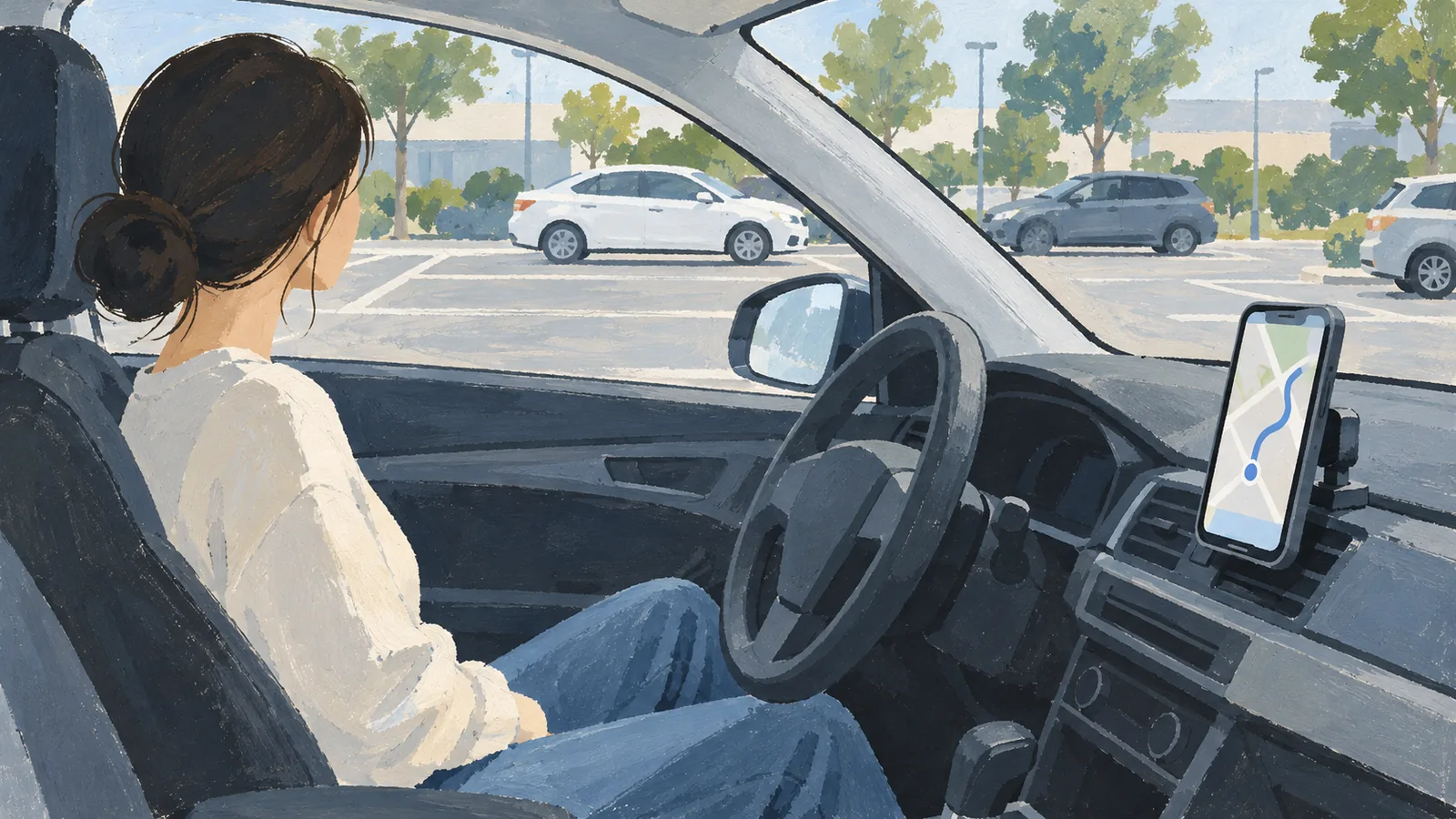
Jeju Car Rental Navigation App Guide
Why navigation needs planning in Jeju
Jeju is one of the easiest places in Korea to explore by rental car, but navigation can surprise first-time visitors. You may land at Jeju Airport, take a shuttle to a rental office, receive a car with Korean GPS, and then need to enter a hotel, restaurant, or coastal stop before you fully understand the local map apps.
Korea Tourism Organization states that the driving navigation feature of Google Maps cannot be used in Korea. It recommends Naver Map and Kakao Map as alternatives, with Naver Map available in Korean, English, Chinese, and Japanese, and Kakao Map available in Korean and English.
The goal is not to download every map app. The goal is to know which app you will use, save your first destinations, and prepare one backup before you leave the rental lot.
Choose your app before the flight
Use one main app and one backup. For many international travelers, Naver Map is useful because it supports English, Chinese, and Japanese interfaces. Kakao Map is also reliable in Korea and supports Korean and English. If you are traveling with someone who reads Korean, decide who will handle Korean names and address checks.
Before the flight, install the apps, change the language setting, search for your hotel, and save your first two destinations. If a place does not appear in English, copy the Korean name from the official website, booking confirmation, or message from your host.
If your route includes rural cafes, beaches, or small pensions, save the Korean address as text too. Local search results can be easier when you paste the Korean place name instead of typing a translated name.
Use car GPS as a backup, not your only plan
Visit Jeju notes that rental cars may have built-in navigation. That can be helpful because local GPS systems are familiar to Korean roads, parking lots, and phone-number search. Still, the interface may be in Korean, and some systems may not match the app you used while planning.
At pickup, ask the staff to help enter your first destination if needed. Also take a photo of the car navigation screen after the destination is set. If you lose mobile data, the built-in GPS can be your backup.
Do not rely on a single saved route. Roadworks, weather, and parking changes can make a route less useful than a saved destination.
From Jeju Airport to the rental lot
Jeju International Airport says rental car users can access shuttle buses from the Rent-a-Car waiting room, and its English airport guide lists the shuttle bus stop outside Gate 5. The airport also says travelers should contact each operator for provider details.
This means your first navigation job may not be driving. It may be finding the right shuttle. Save the provider message, shuttle stop instructions, and rental office name offline before landing. If your reservation message includes a map image, keep it in your photo gallery.
For a deeper pickup flow, see Orcar's Jeju Airport car rental pickup guide.
Driving-day habits that prevent wrong turns
Start every drive by checking three things: destination name, estimated arrival time, and road direction. Korea drives on the right side of the road, so travelers from left-driving countries should give themselves extra time for the first intersection.
Keep your passenger involved if you have one. One person should drive, and the other can compare the app route with road signs. If you are driving alone, pull over safely before changing destinations or translating a place name.
For language and sign anxiety, pair this guide with Orcar's driving in Korea without Korean guide and Jeju car rental language support guide.
Booking checks that reduce navigation stress
Before you choose a car, look beyond the daily price. Check whether pickup instructions are clear, whether the rental office provides shuttle details, whether support is available in a language you can use, and whether the car includes a phone mount or built-in GPS.
Also confirm driver documents before you plan the route. Korea Tourism Organization says short-term travelers renting a car need an international driving license and passport or alien registration card. Orcar collects payment when you book. No security deposit or security hold is required. The payment card does not need to be in the driver's or the booker's name. Orcar's Korea IDP guide explains this document check in more detail.
Orcar is built for international travelers who need clearer pickup steps, transparent booking information, and multilingual support. A good navigation plan starts before the first turn.
FAQ
Can I use Google Maps for driving in Jeju?
Korea Tourism Organization says Google Maps driving navigation cannot be used in Korea. Use Naver Map, Kakao Map, or the rental car GPS for driving routes.
Which navigation app is best for Jeju rental cars?
Naver Map is useful for English, Chinese, and Japanese interface support. Kakao Map is also reliable and supports Korean and English. Test both before your flight and choose one main app.
Do Jeju rental cars have built-in GPS?
Many rental cars may have built-in GPS, but the language and interface can vary. Ask the rental staff to help enter your first destination before leaving the lot.
What should I save before pickup?
Save your hotel name in Korean, rental office name, shuttle instructions, first destination, and a screenshot of your booking or pickup message.
What if I get lost while driving in Jeju?
Pull over safely, do not change routes while moving, contact your rental provider if the issue is vehicle or pickup related, and use a saved Korean destination name to restart navigation.
Book your Jeju rental car with Orcar for clearer pickup information and traveler-friendly support before your first drive.