
Jeju · Aug 6, 2026
Before driving in Jeju, document scratches, tires, fuel, dashboard, and return photos to avoid damage disputes.

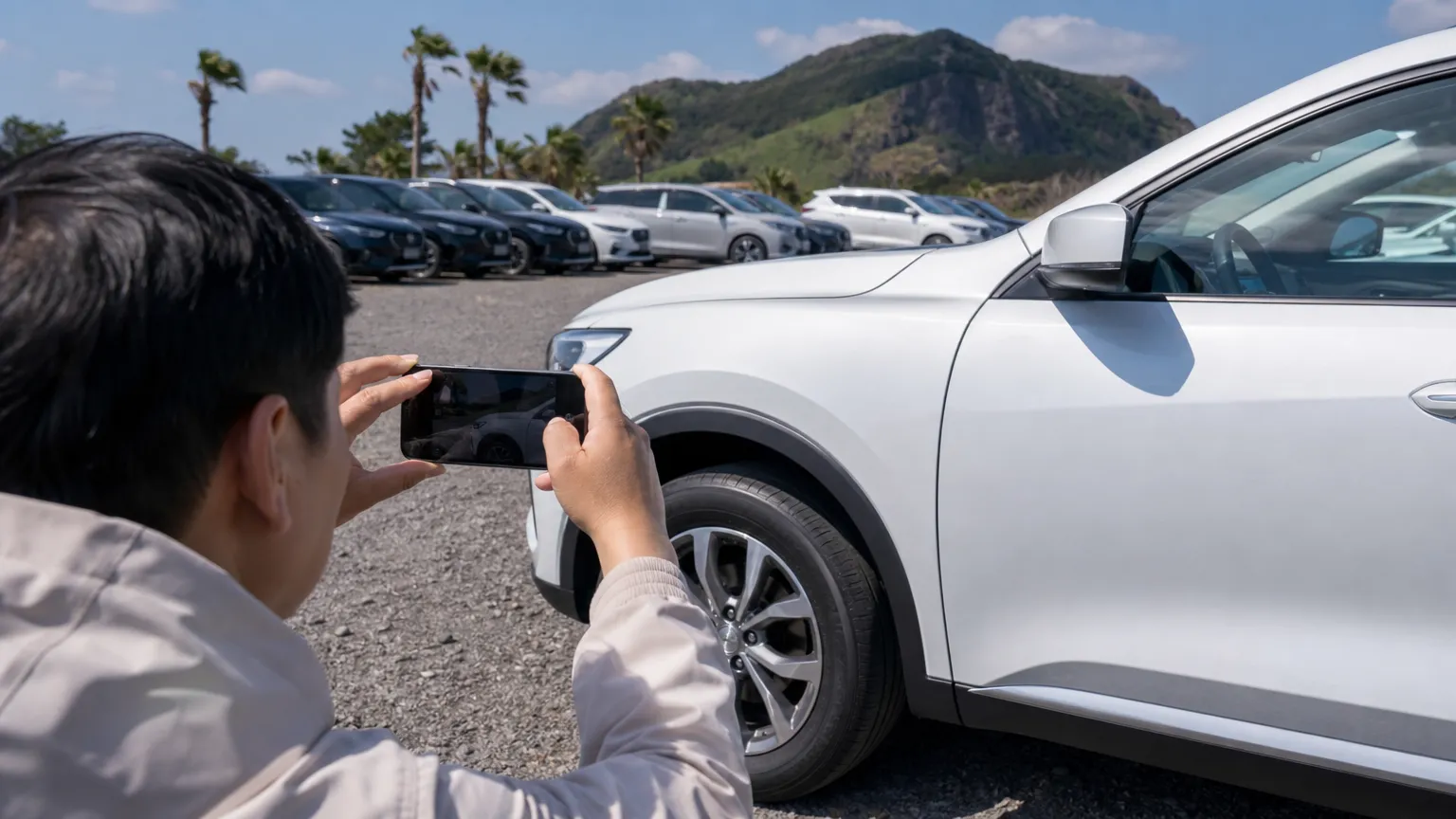
A Jeju rental car can make the island easier to explore, but the first few minutes at pickup matter. If an old scratch, tire mark, fuel level, or dashboard warning is not recorded, it can become a stressful conversation at return.
This checklist shows what to photograph before you leave the rental lot, what to confirm on the inspection sheet, and how to document the car again at return. It is written for travelers who want a simple record, not a complicated legal file.
Visit Jeju advises travelers to take photos of the vehicle as proof of its condition when picking up a rental car. Another Visit Jeju driving guide says travelers should record the current car state by video or photos before starting the journey.
Korea's Consumer24 gives the same practical advice. It recommends checking the inspection sheet, vehicle interior and exterior, tires, engine condition, basic tools, and fuel level, then recording issues with photos or video. For a foreign traveler, that record also helps when the explanation is in Korean or the return is busy.
Do not only take one wide photo. Walk around the car slowly and capture both the full car and close-ups. Keep your pickup and return photos with your booking and payment records. Orcar does not require a security deposit or security hold.
Use this pickup sequence:
Photos are strongest when they match the rental company's written record. If the staff marks existing damage on a checklist or tablet, compare it with what you see before you sign. If you find a scratch that is not marked, ask staff to add it or confirm it in the rental chat before you drive away.
For fuel cars, record the fuel gauge. Visit Jeju notes that travelers may need to refuel to the same level or pay additional fees if the fuel level is lower at return. For EVs, photograph the battery level and ask whether the car must be returned with a specific charge level.
A clean exterior photo does not prove that the car is ready. Consumer24 also recommends checking lights, turn signals, wipers, and the black box where applicable. Spend a few minutes testing basic functions while you are still at the rental branch.
Check these before you leave:
If something affects safe driving, ask for help before departure. It is easier to change a vehicle or get written confirmation at the branch than after you are already on a coastal road.
At return, take a shorter version of the same set. Photograph the car from four sides, the dashboard fuel or battery level, the odometer, and the return parking location. If staff inspects the car with you, keep the final receipt or message.
This is especially useful for early morning, late-night, or contactless returns. Consumer24 advises photographing vehicle condition at return, and notes that incorrect return location can lead to parking or towing costs for some rental formats. Even if your Jeju rental is staffed, return photos give you a timestamped record.
If you notice damage during the trip, contact the rental company immediately and take photos of the damaged area. Consumer24 warns that failing to report an accident without a valid reason can lead to refusal of coverage in some cases.
If you are charged for repair, deductible, or loss-of-use fees, ask for documents you can understand: the rental contract, repair estimate, maintenance statement, and how the loss-of-use fee was calculated. Consumer24 has reported that rental car consumer disputes often involve excessive repair cost, deductible, or loss-of-use charges, so keeping your pickup and return records organized is practical.
For insurance basics, read Orcar's Jeju CDW insurance guide. For Orcar's no-deposit policy, see the Jeju rental car deposit guide. If you are still comparing vehicles, you can also book with Orcar for clear rental steps.
Take enough photos to show the full vehicle, each side, wheels, tires, dashboard, fuel or battery level, and any existing scratch. For most travelers, 15 to 25 photos plus one slow walkaround video is a practical amount.
Both are useful. Photos make it easy to zoom in on scratches, while a slow video helps show the overall condition and location of damage. Use both if pickup is busy.
Contact the rental company immediately, share the photo, and ask them to confirm it in writing. Do this before driving farther if possible.
Yes, it is still helpful. A few return photos of the car, dashboard, and parking location create a timestamped record in case a question appears later.
Official sources checked:
This article includes images created with AI for illustration.
Find a car for your trip
Explore CarsJeju · Aug 6, 2026
Jeju · Aug 4, 2026

Jeju · Jul 30, 2026